What's in the Box:
- 1 x Mounting Plate
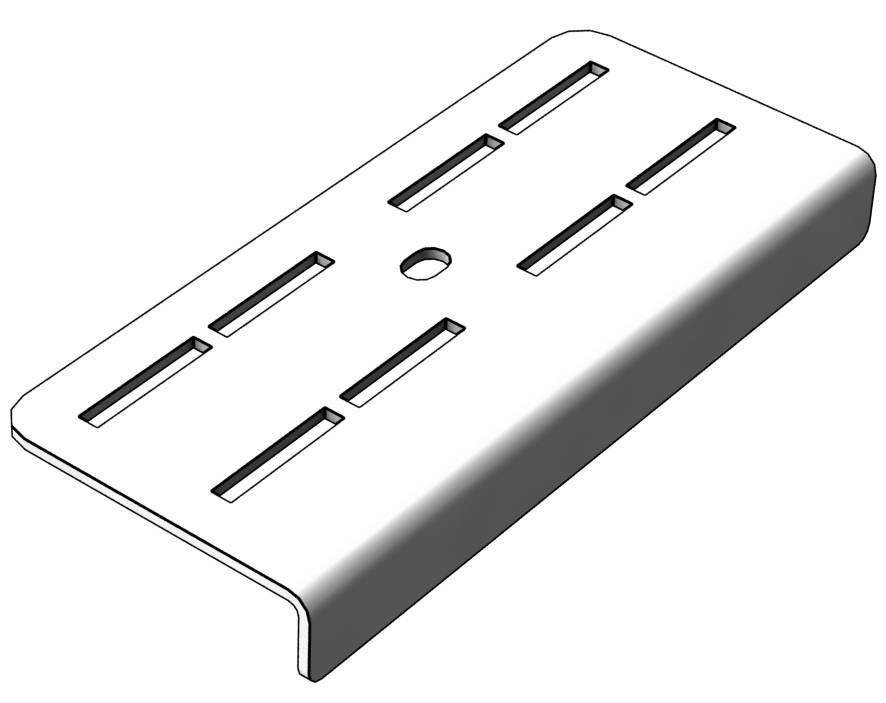
Tools required:
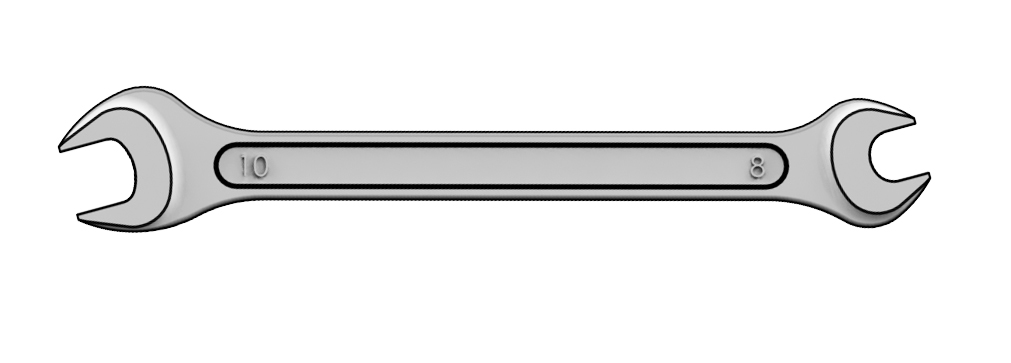
- 8 мм Wrench (NOT INCLUDED)
ATTENTION! The extension plate is installed on the assembled VPC Collective Chair Mount Adapter.
1. Remove the ISO 8677 M5x16 A2 screws from the Collective Base Adapter.
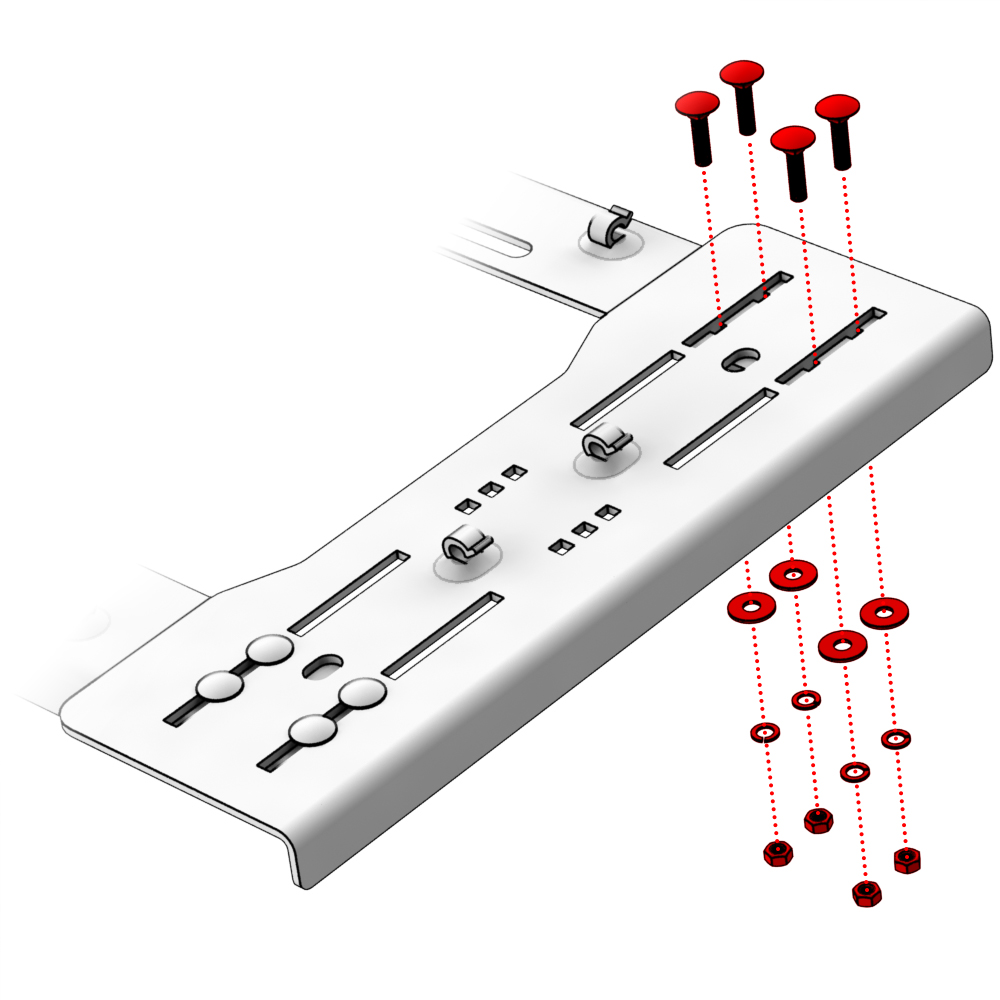
2. Place the bracket in a suitable position and secure with the screws and nuts as shown in the picture.


3. Determine the desired distance of the VPC Rotor TCS Base from the seat using the additional holes in the corner of the base and secure with ISO 8677 M5x16 A2 screws supplied with the TCS Base.

Troubleshooting
Please visit the VIRPIL Controls support portal for troubleshooting advice. If you are still experiencing issues or unable to find answers to your specific question, please create a ticket on our support portal!
Was this article helpful?
That’s Great!
Thank you for your feedback
Sorry! We couldn't be helpful
Thank you for your feedback
Feedback sent
We appreciate your effort and will try to fix the article