What's in the Box:
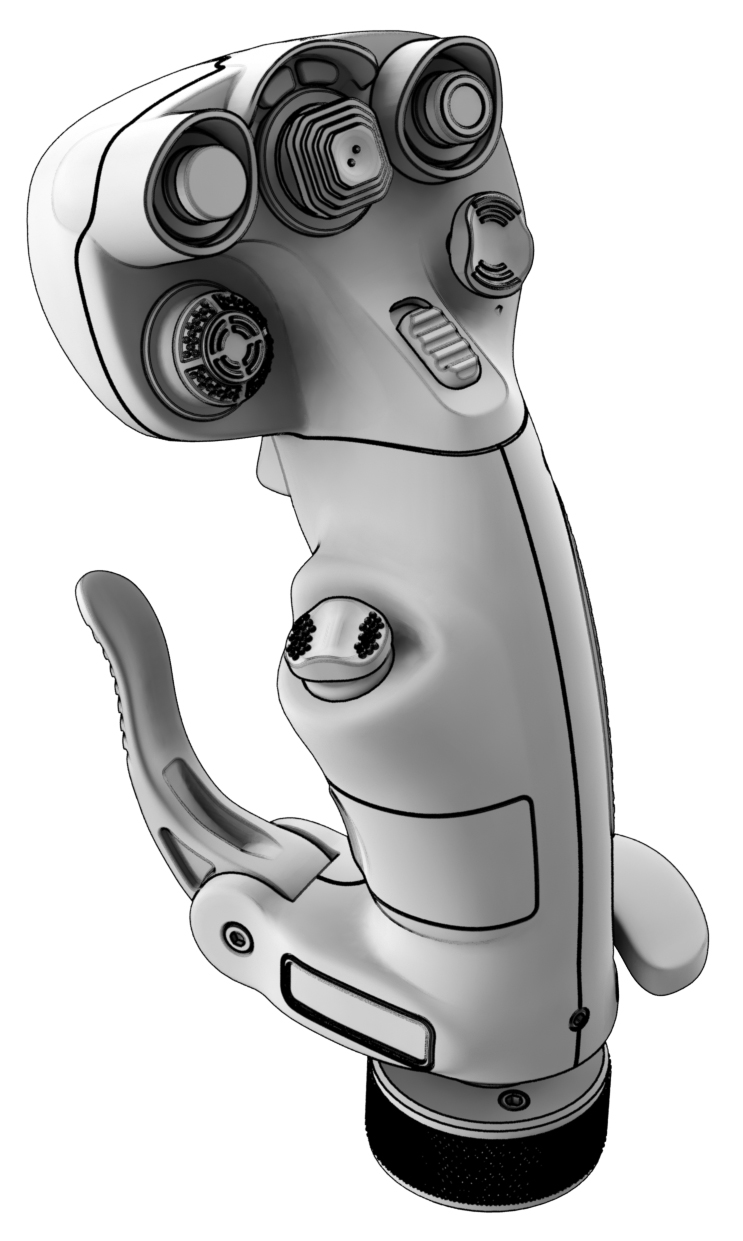
- 1 x VPC CDT-AERO Grip
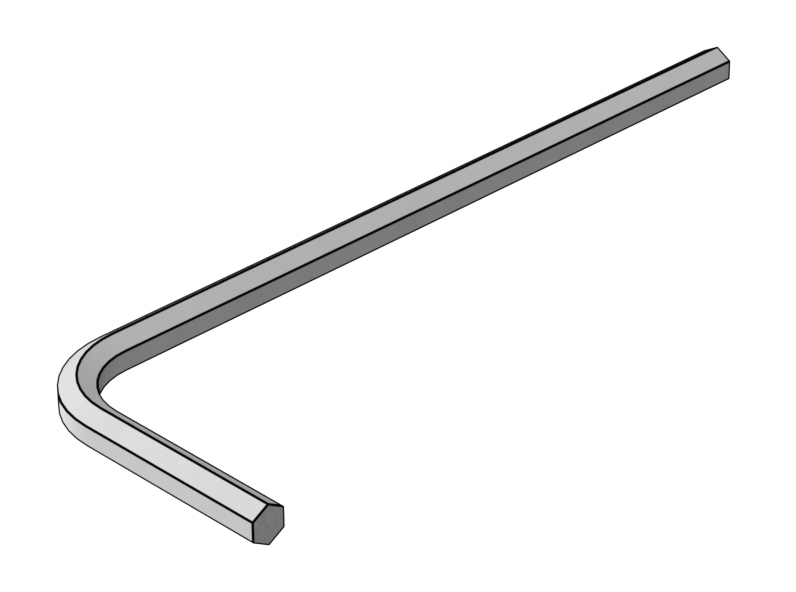
- 1 x Hex Key H2
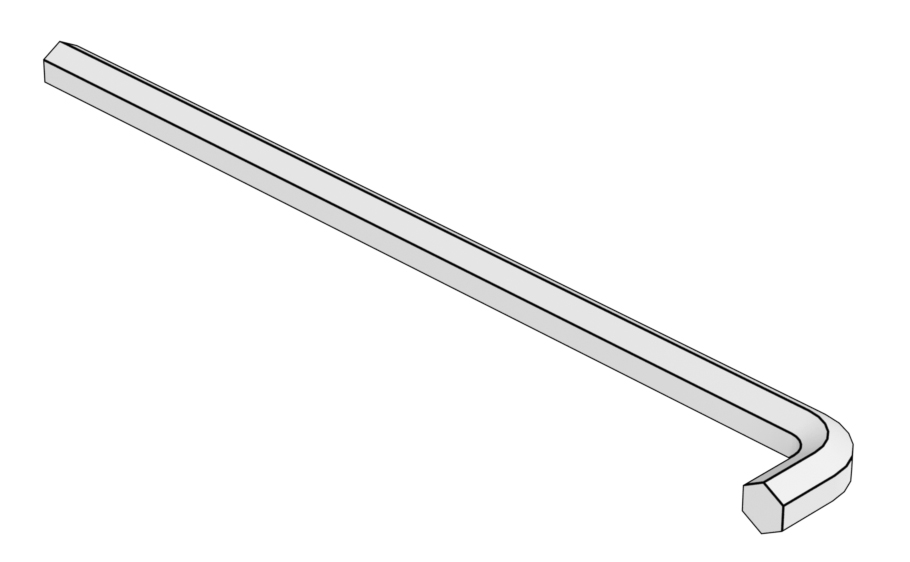
- 1 x Hex Key H2.5
Attaching the Grip
Tools required:
- H2.5 Hex hey
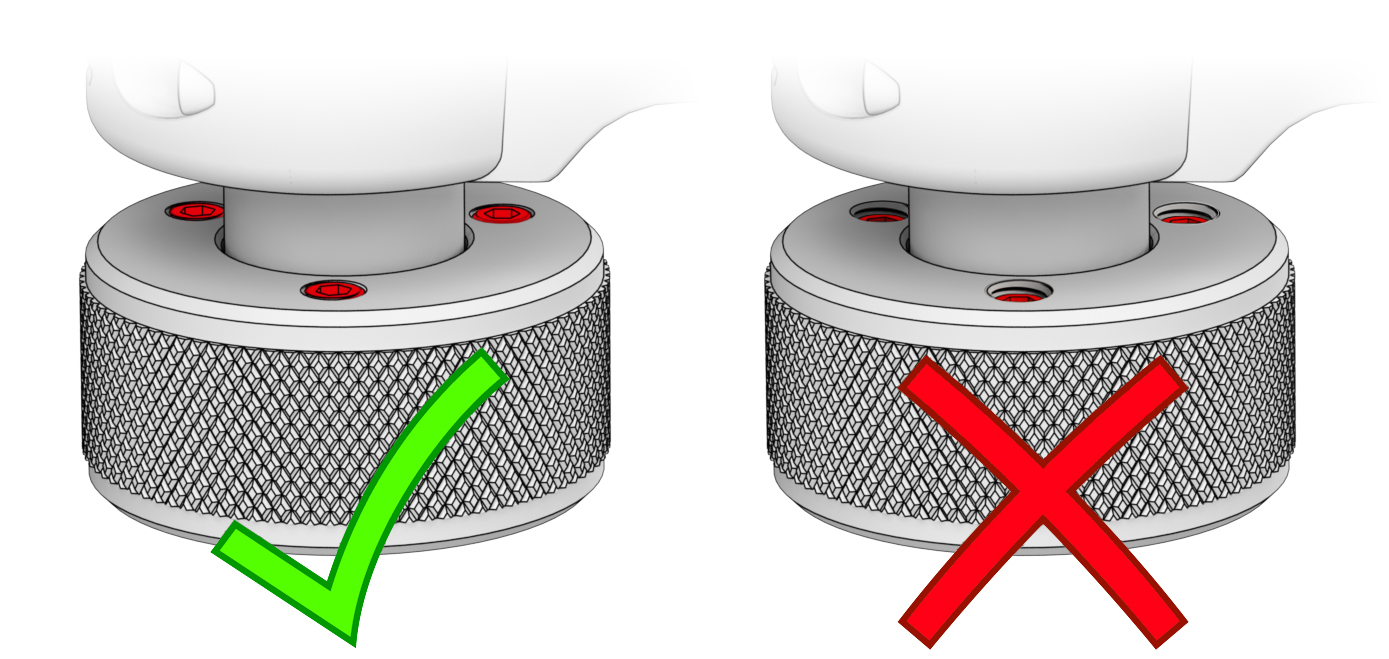
Before attaching your grip, ensure that the locking screws are flush with the screw collar.
1. Pull the cable from the grip by 2-3 см.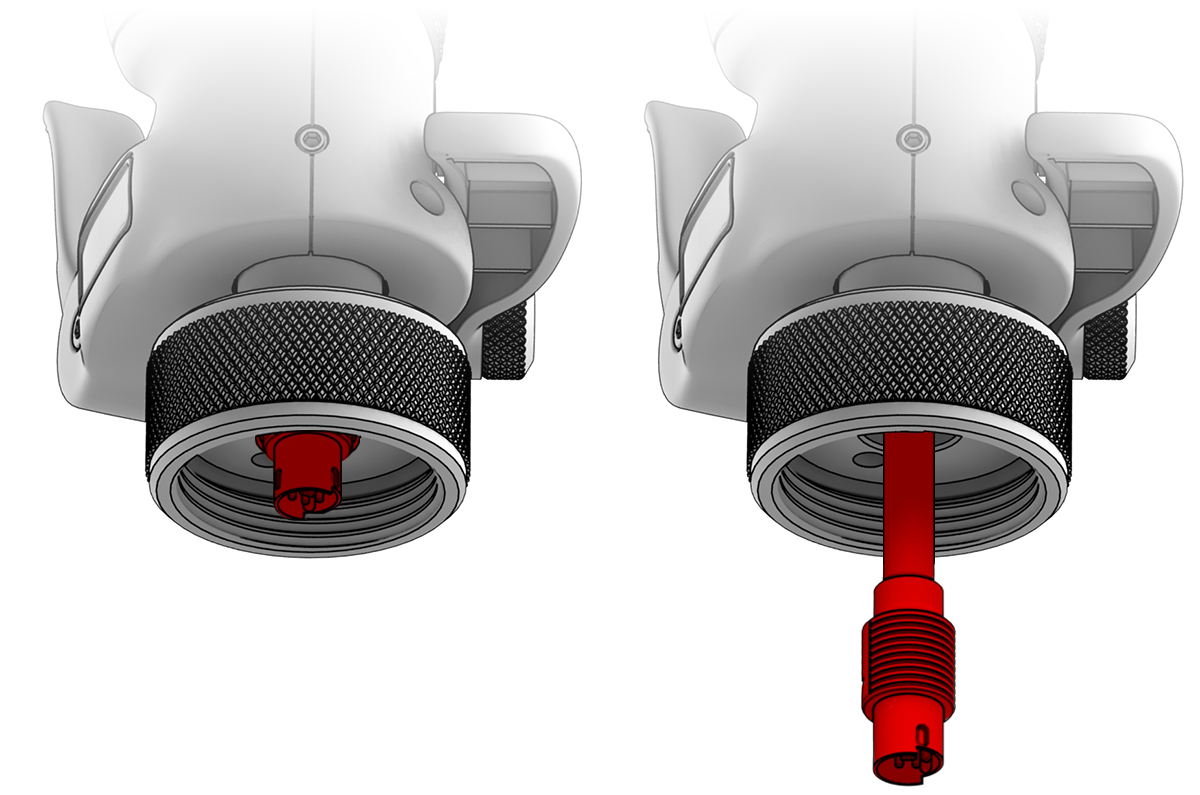
2. Use the arrows located on the cable connector and grip socket to correctly orient the pins. Incorrect orientation will result in damage to the connectors.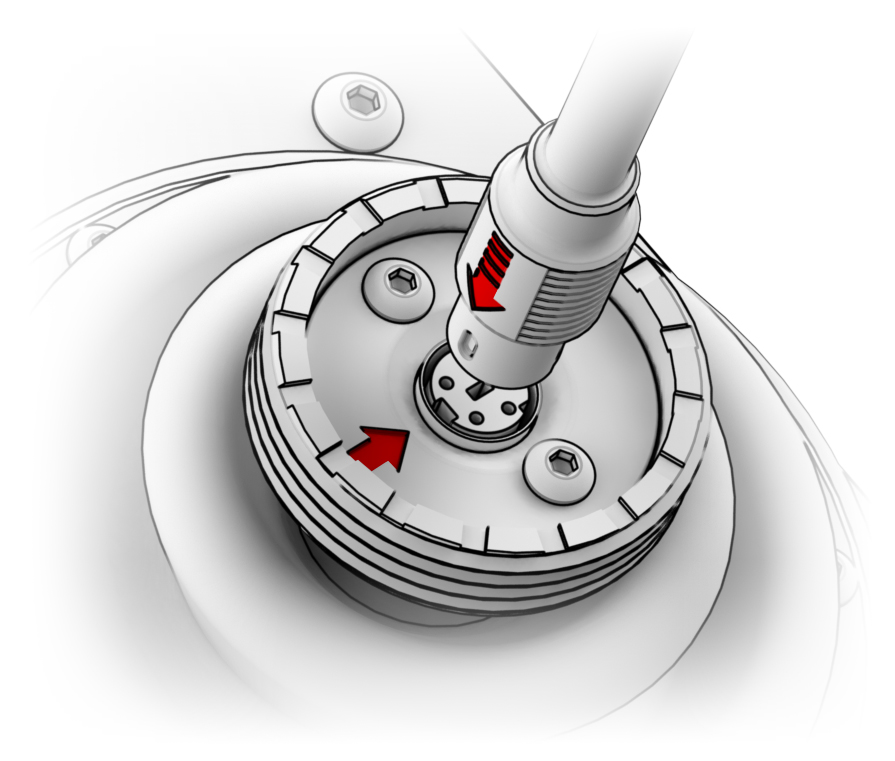
IMPORTANT! Use VPC Software to configurate the device
3. Lightly tighten the screw collar and set the desired angle offset before hand tightening fully.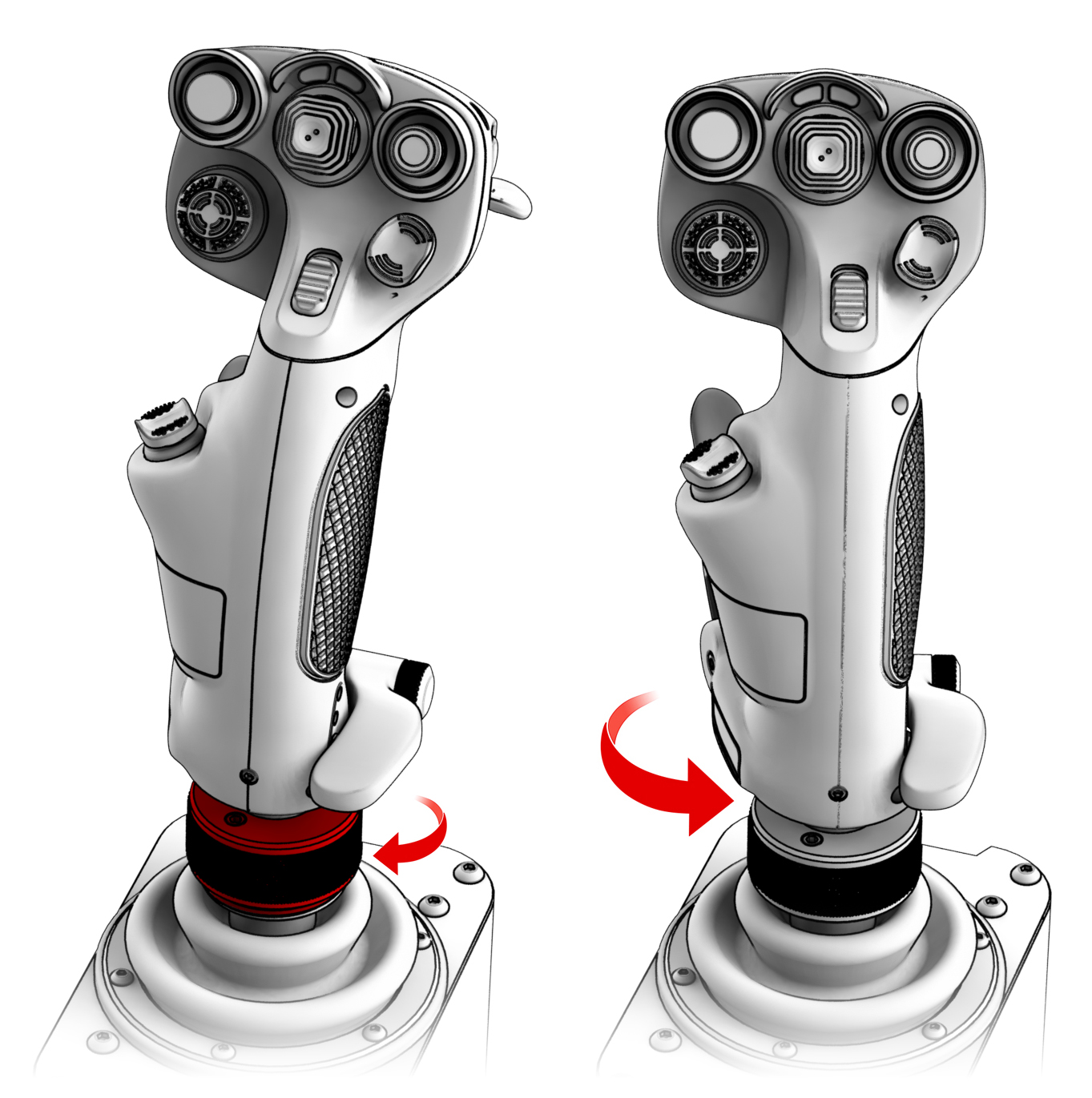
4. Use the included H2.5 Hex Key to tighen the highlighted screws on the collar. This will prevent the grip from unlatching during use.
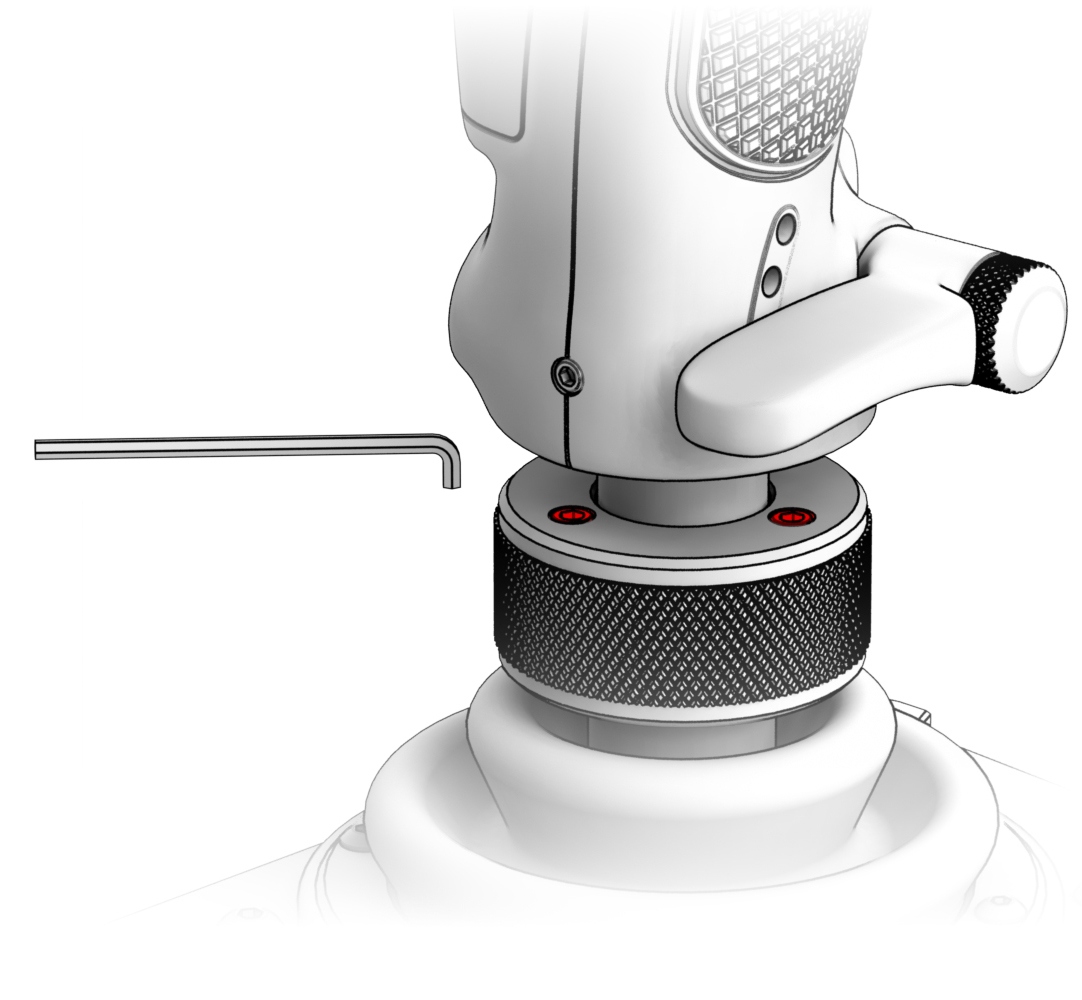
NOTE: Do not use excessive force when tightening these screws.
Wrist rest adjustment
1. Loosen the highlighted screw so that the locking rod is released.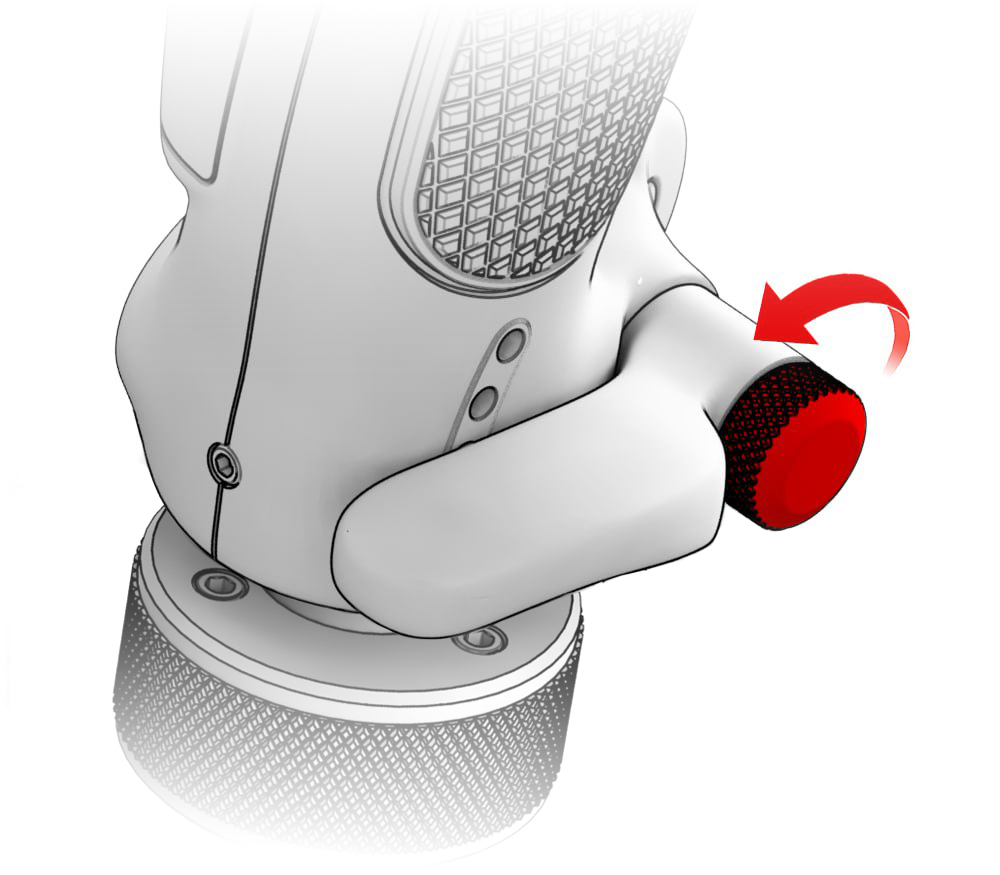
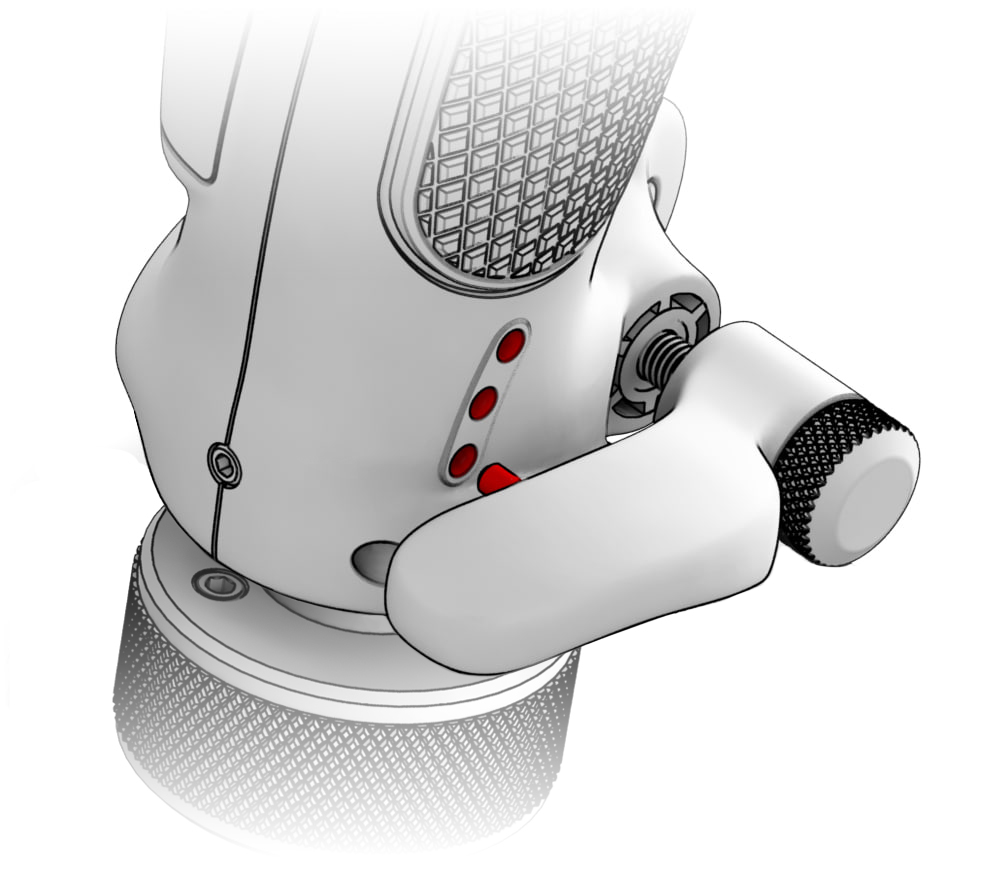
2. Install the wrist rest and set your desired height by inserting the locking rod into one of the three holes and tighten the screw. 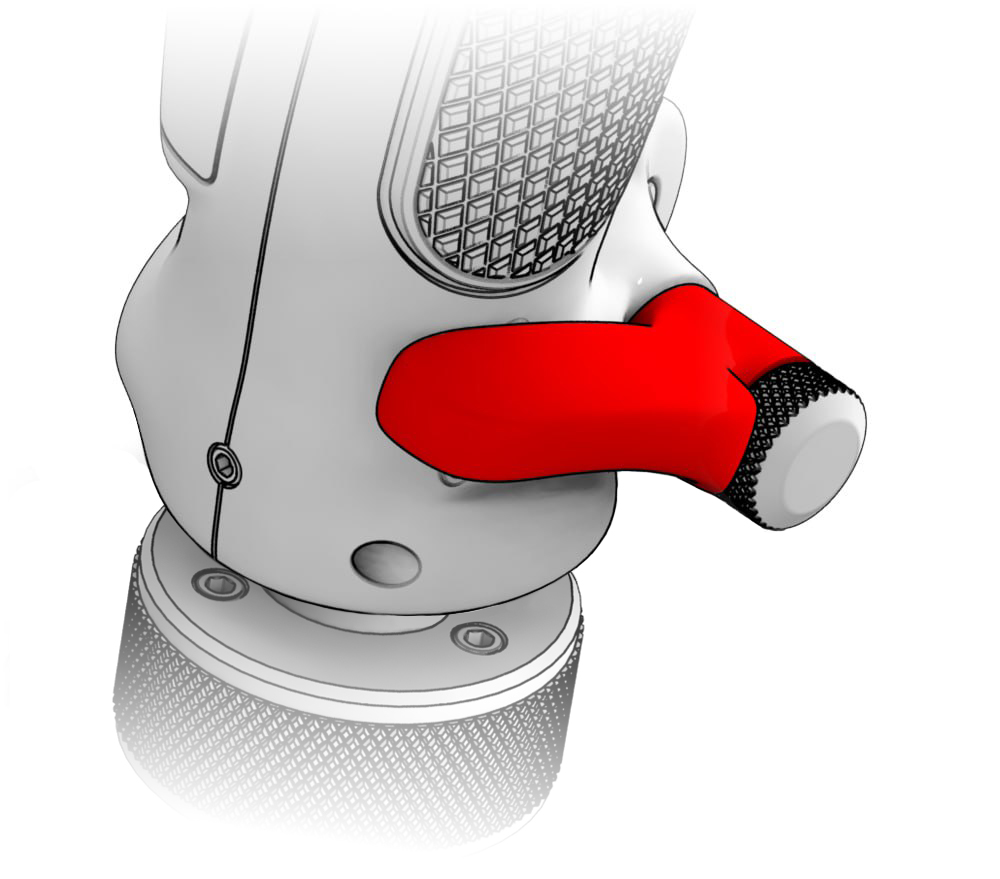
IMPORTANT! Tightening the screw with tools is not recommended.
Twist Axis Lock
Tighten the highlighted screw using the included H2 Hex hey
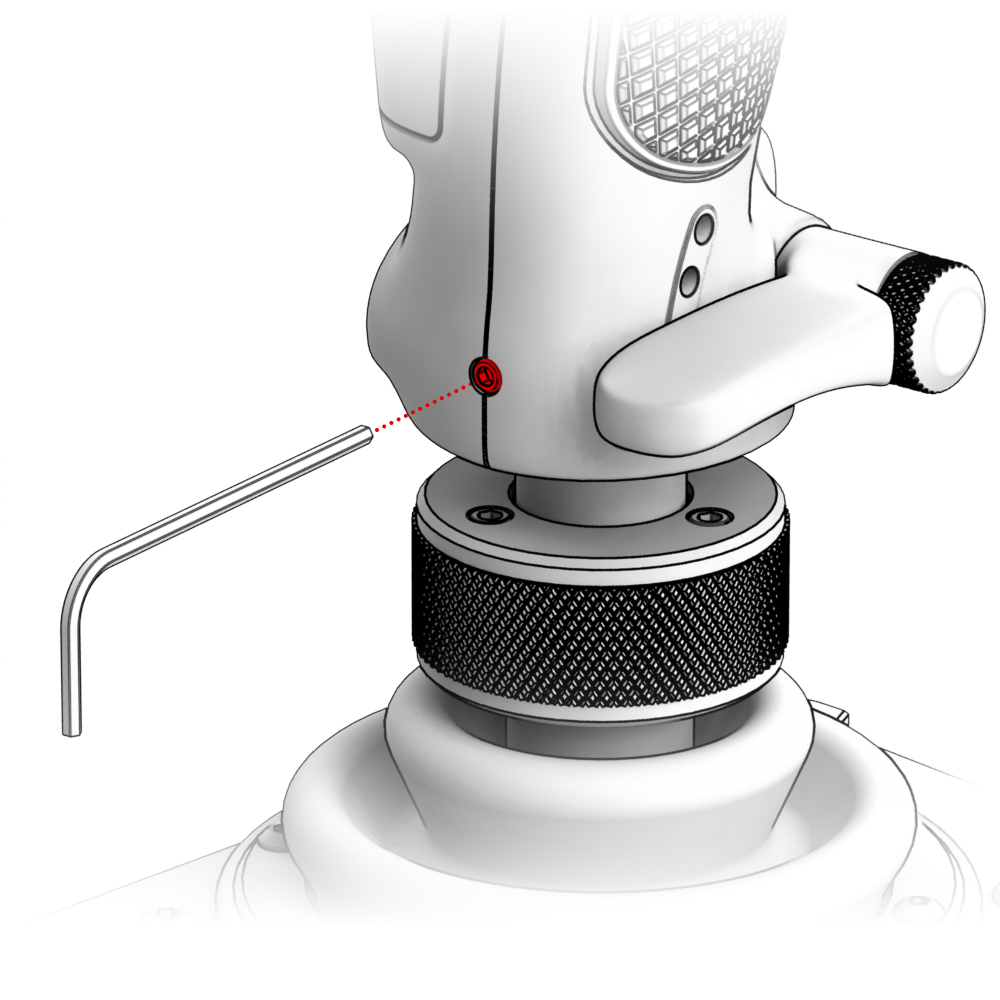
NOTE: Do not use excessive force when tightening these screws.
Troubleshooting
Please visit the VIRPIL Controls support portal for troubleshooting advice. If you are still experiencing issues or unable to find answers to your specific question, please create a ticket on our support portal!
Was this article helpful?
That’s Great!
Thank you for your feedback
Sorry! We couldn't be helpful
Thank you for your feedback
Feedback sent
We appreciate your effort and will try to fix the article